A beginner course where you grasp the flow through diagrams and then follow DNS behavior yourself through short exercises placed inside each chapter. Rather than formulas, the questions let you check the real moving parts of DNS — the delegation path, the remaining cache lifetime, and how many queries fly.
The goal is not just being able to configure A / AAAA / CNAME / MX, but being able to trace "who is holding that answer right now, and how many seconds until the picture changes" in both words and numbers. In the final Chapter 7, along with 8 case questions, you can also review all 42 questions from the whole course.
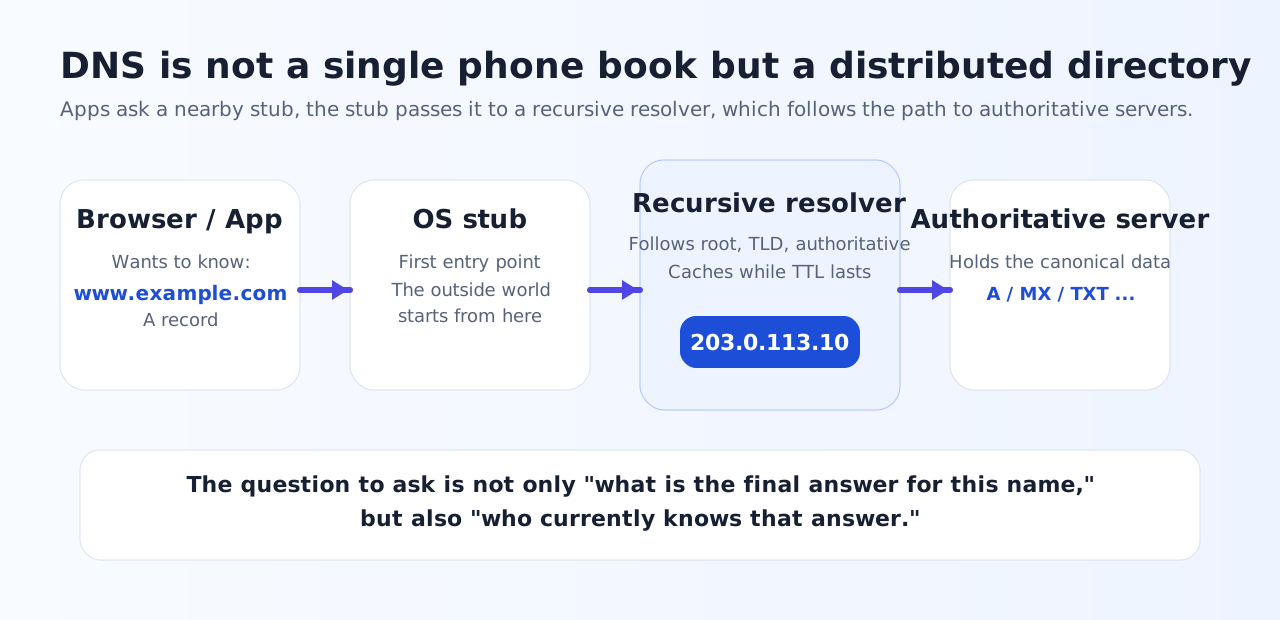
What makes this course different
1. Short exercises inside each chapter
You solve 1–3 questions right after reading the text, which makes it hard to get away with only "feeling like you understood."
2. More numeric questions than usual
You count remaining TTL, number of misses, the number of steps in MX resolution, and the wait time for negative caching by hand.
3. Graded in-browser
All 42 questions are graded in-browser, and your correctness is saved only in localStorage.
4. Comprehensive review at the end
Chapter 7 adds 8 case questions and also shows a review list of questions you have not yet solved.
Five viewpoints we keep reusing in this course
Chapter overview
The entry point — thinking of DNS as "name + type."5 questions
Sort out domains, zones, zone cut, and glue.5 questions
Count the flow root → TLD → authority, and count cache hits.6 questions
Read A / AAAA / CNAME / MX / TXT / NS / SOA by their use cases.6 questions
Compute TTL and negative caching by hand, in seconds.6 questions
How to read dig output, layered caches, and the scope of DNSSEC.6 questions
8 case questions + full review of all questions.8 questions
Tips for studying
- Go in the order text → the short exercise right below it. It sticks faster than just reading.
- Do not skim the numeric questions in your head — write out expires_at / remaining TTL / time of miss on paper.
- Make sure you try both the recursive resolution simulator in Chapter 3 and the TTL simulator in Chapter 5.
- When the review in Chapter 7 surfaces a question you got wrong, go back to that chapter and review it for one or two passes.
Prerequisites
- Some experience touching web apps or APIs is enough.
- If you have seen the terms IP address, URL, and server before, you can follow along.
- Deep networking theory or cryptography theory is not required. We cover DNSSEC only as far as needed.
- No external libraries — this runs on static HTML / CSS / JavaScript only.